Description
Logitech K250 Bluetooth Compact Keyboard in Kenya
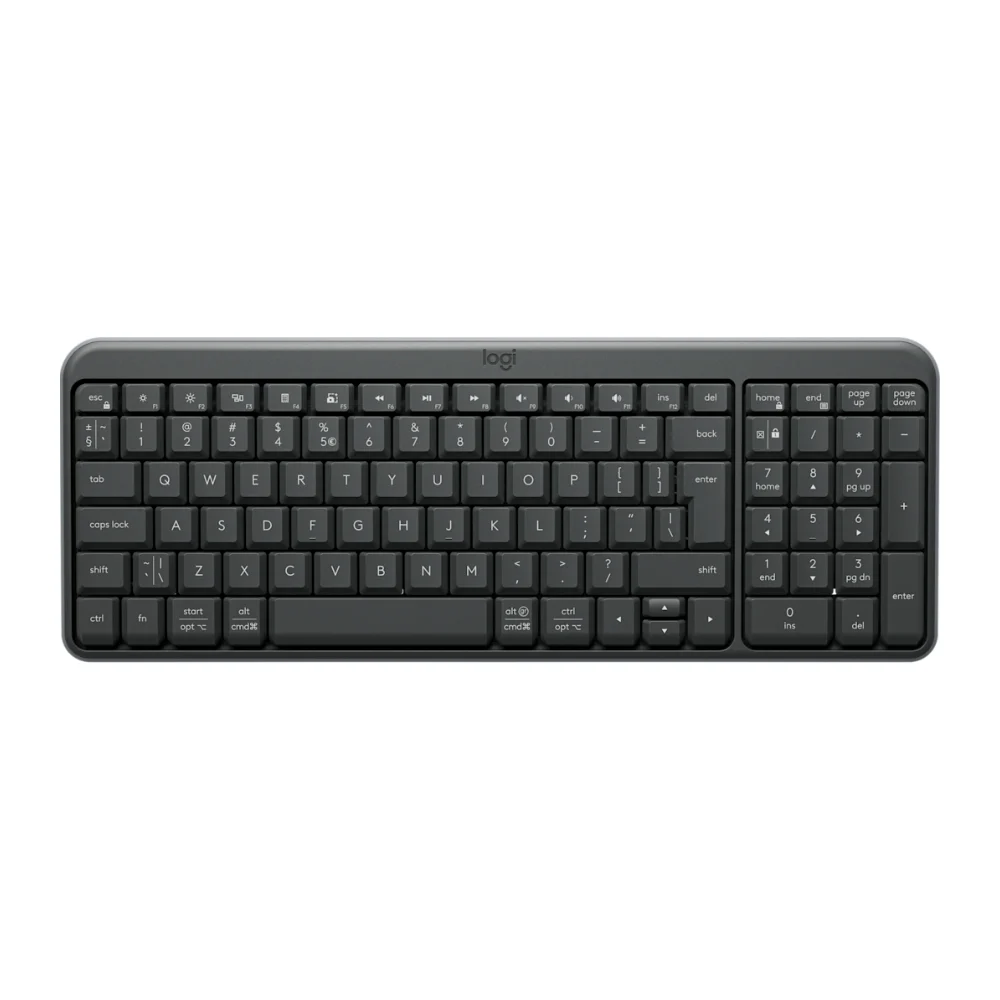
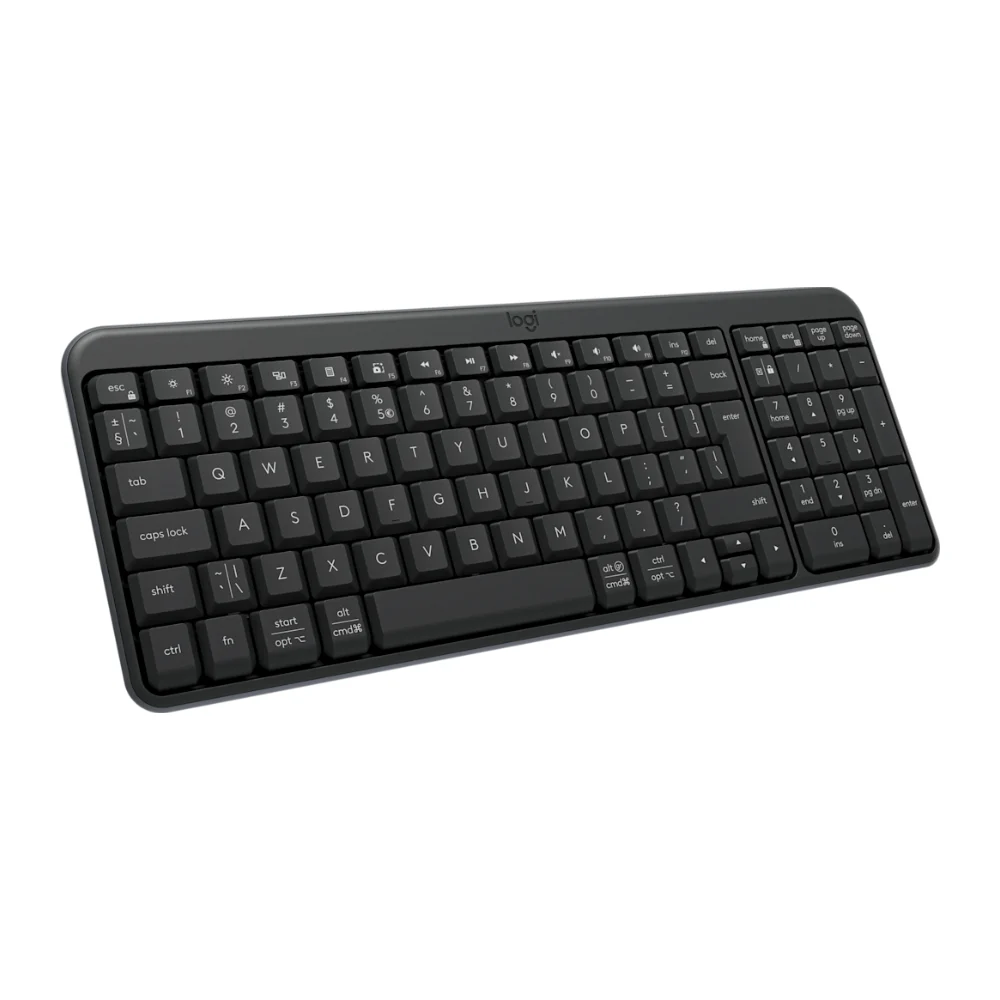
The Logitech K250 fits a number pad into a space-saving compact layout. It connects by Bluetooth, so there is no receiver to plug in, and its deep-profile keys and spill-resistant design make it a dependable keyboard for home and office.
Available from Terptech Technologies in Nairobi CBD.
Key Features
- Compact layout with number pad
- Bluetooth Low Energy – no receiver needed
- Deep-profile keys
- Spill-resistant, durable design
- Multi-OS printed layout
- Up to 12 months from 2 × AAA batteries (included)
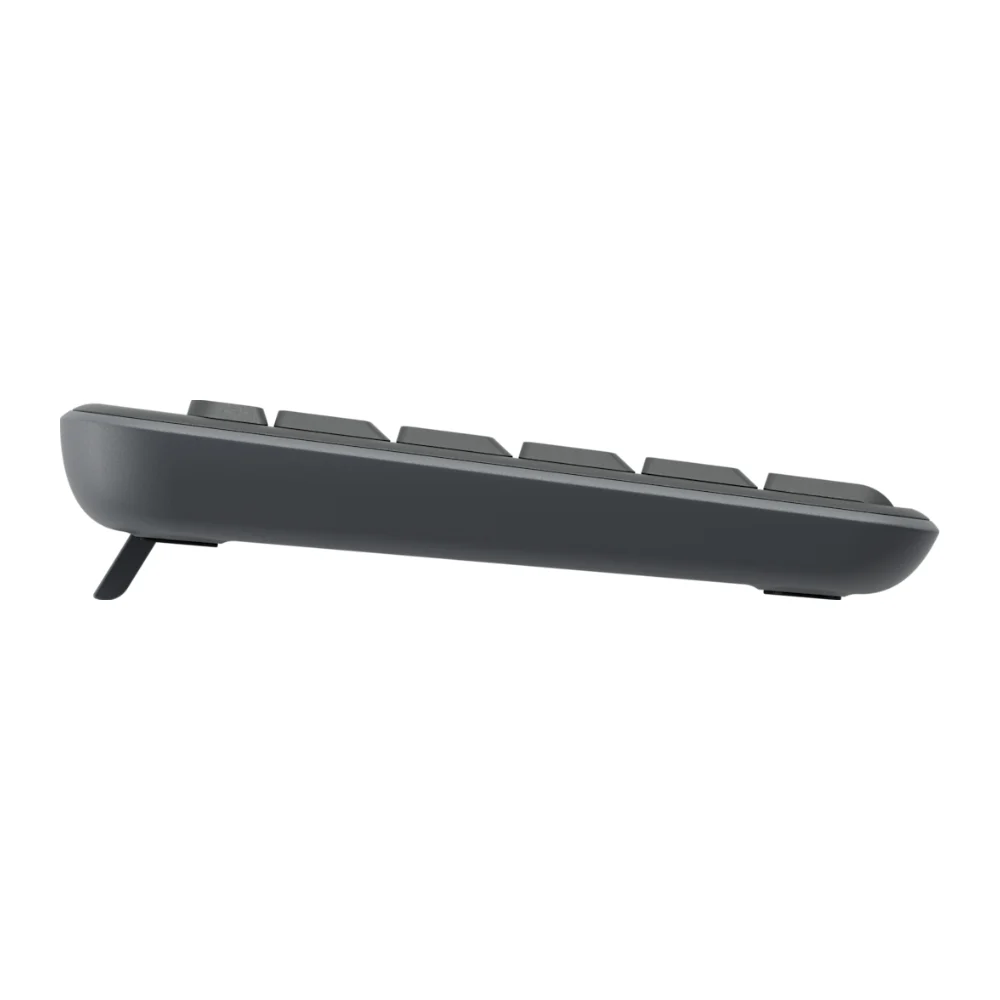
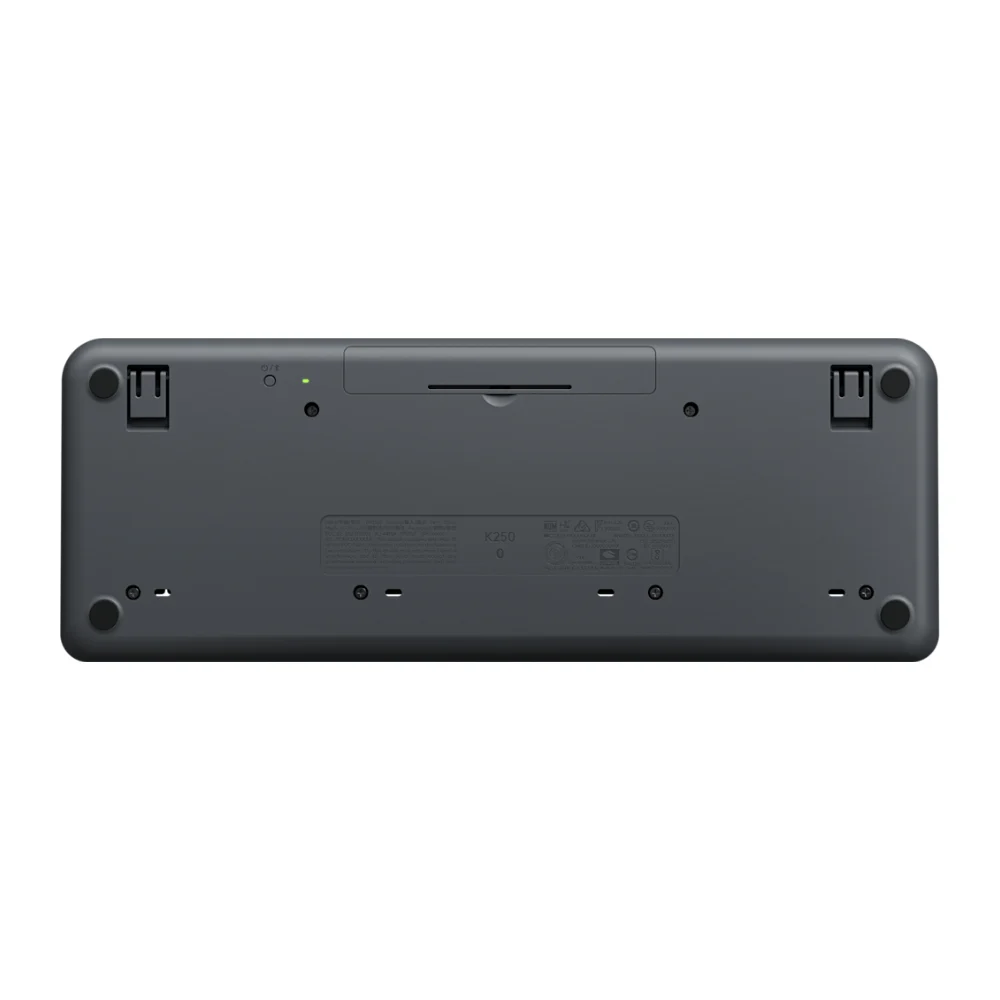
- Tilt legs for a 7° typing angle
- Made with a minimum of 64% post-consumer recycled plastic
More Desk Space, Same Number Pad
The K250 keeps the number pad that spreadsheet and accounts work needs, in a smaller footprint that leaves more room for your mouse.
Works With Your Devices
Pair it with laptops, desktops, tablets and phones running Windows, macOS, ChromeOS, Linux, iPadOS, iOS or Android.
Ideal For
- Home and office desks
- Data entry and spreadsheets
- Laptop and tablet users
- Small workspaces
Technical Specifications
| Feature | Specification |
|---|---|
| Model | Logitech K250 |
| Colour | Graphite |
| Connection | Bluetooth Low Energy |
| Wireless range | 10 m |
| Layout | Compact with number pad |
| Multi-OS layout | Yes |
| Battery | 2 × AAA (included) |
| Battery life | Up to 12 months |
| Typing angle | Tilt legs for 7° |
| Dimensions | 369.9 × 136.9 × 22.8 mm |
| Weight | 380 g |
| Compatibility | Windows 10/11, macOS 12+, ChromeOS, Linux, iPadOS 15+, iOS 15+, Android 12+ |
| Warranty | Manufacturer’s warranty – see our Warranty Policy |
Package Contents
- K250 keyboard with 2 × AAA batteries (pre-installed)
- User documentation
Why Choose the Logitech K250?
- Space-saving with a number pad
- No receiver needed
- Spill-resistant and durable
- Works across operating systems
FAQs
Does the K250 come with a USB receiver?
No. It connects by Bluetooth, so your computer, tablet or phone needs Bluetooth.
Does it have a number pad?
Yes. It keeps a number pad while taking up less desk space than a full-size keyboard.
How do I pair it?
Long-press the on/off power button to enter pairing mode, then select the K250 in your device’s Bluetooth settings.
Does the price include VAT?
No. Prices exclude 16% VAT. Need an official VAT (eTIMS) invoice? Contact us before you order and we’ll confirm the VAT and invoice details.